KLD Institute
About
Courses
Method
Admissions
Partnerships
Policies
Contact
Menu
Institute
About
Courses
Method
Admissions
Partnerships
Learning
Course map
Flagship course workspace.
Templates
Reusable course worksheets and teaching artifacts.
Contact
How to reach the institute.
Policies
Policy index
Privacy
Terms
Accessibility
Learner code
Course map
Open study notes
Next lesson
Screen Reading in the AI-Native Product Era
Slide 17 of 30
Previous
Next
Tool lab
Create the first visual board
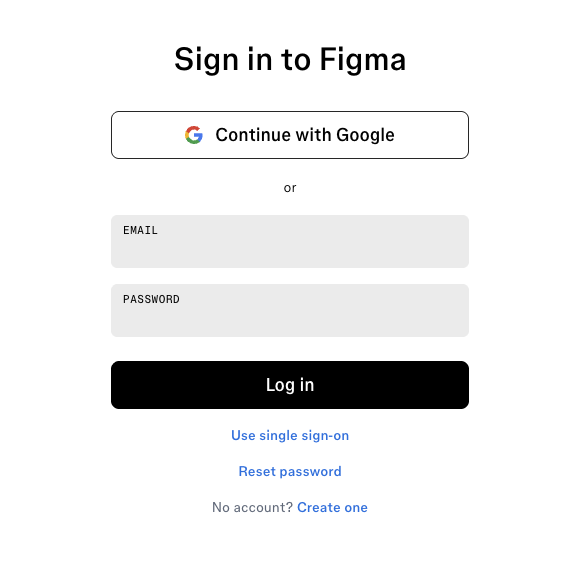
Type figjam.new, or open Figma and choose a new FigJam board.
Name the board before adding screenshots or notes.
Create zones for human observation, AI output, curation, final decision, and reflection.
Real tool entry: sign in safely, log in, then create a blank FigJam board for Lesson 1.
Figma via figjam.new, captured 2026-05-14.
Next lesson
Screen Reading in the AI-Native Product Era